Mastodon: Follow Hashtags to stay up to date on certain topics
When you are new on Mastodon and want to read about certain topic you may have a problem, because there is no algorithm as you know from other platforms. So how do you find interesting people and stay up to date on your favorite topics?
Of course you already know what a hashtag is. But did you know you can do some cool stuff with them on Mastodon? Like feature them on your profile or use them to create alternative timelines?
Hashtags are great to stay on top of certain topics. You can search for them from your Mastodon sidebar or app. And of course you can click on any hashtag in your timeline.
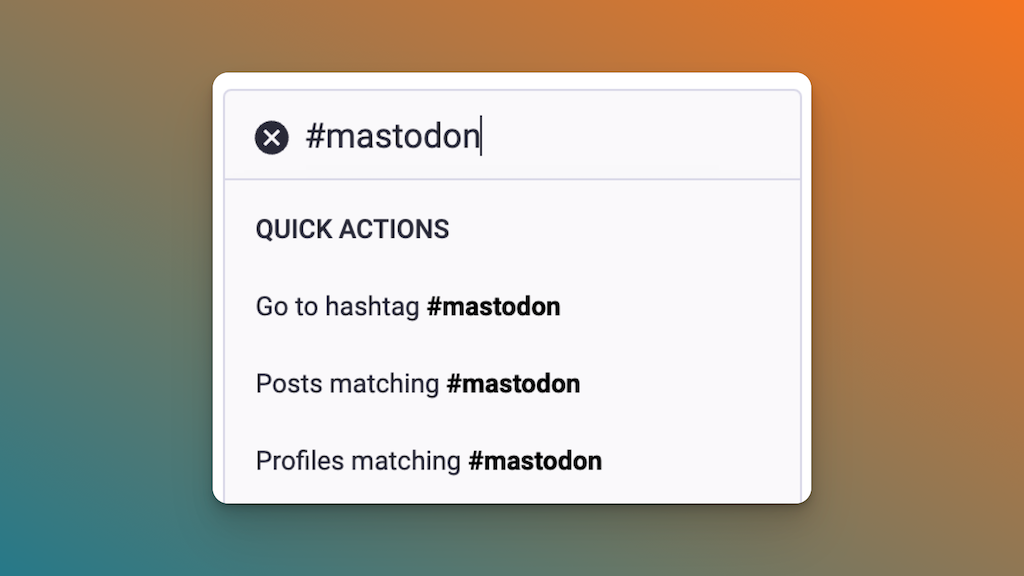
From there you'll get beamed to the list view of that hashtag, giving you some nice information about the hashtag where you can see how frequently it is used:
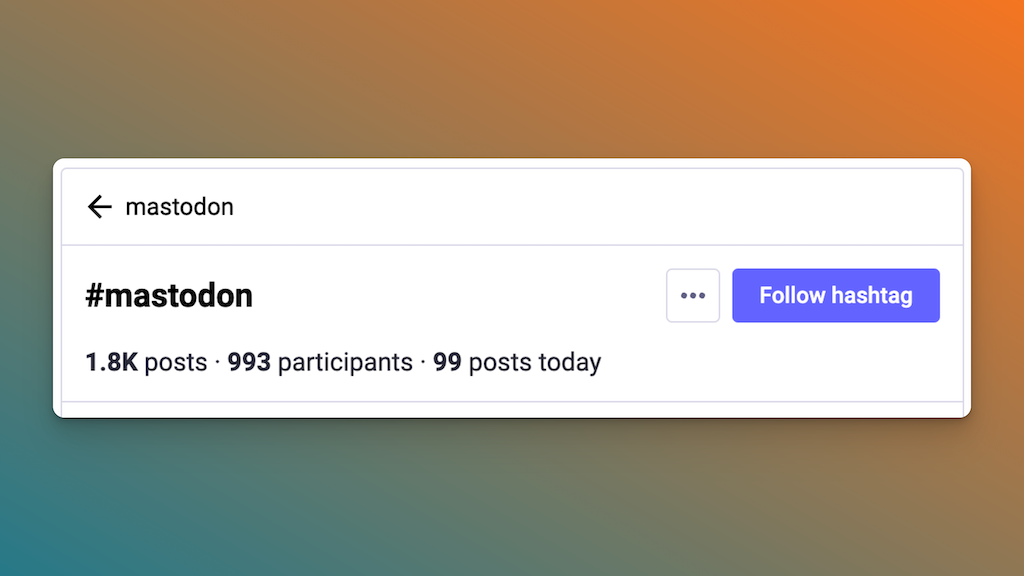
Below that you'll see the most recent posts using this hashtag. And of course you already spotted that prominent "Follow hashtag" button.
As soon as you follow a hashtag you'll see it in the sidebar on the right, where you can easily access it and see the matching posts:
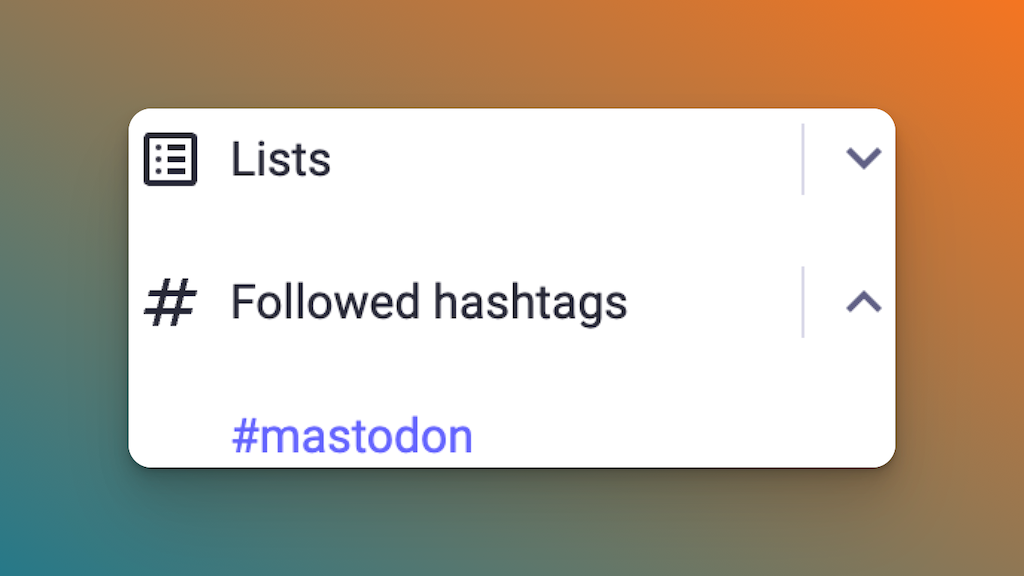
But you will also notice, that new posts of people you don't follow will appear in your timeline. Those are posts with the hashtags you follow and they will be marked as that.
This way you can stay up to date with the topics you love and can easily follow other users using those hashtags.
And as a little bonus tip: when you are posting yourself and use certain hashtags frequently, you can feature them! On the hashtag list view, click the three little dots and add the hashtag to your featured tags:
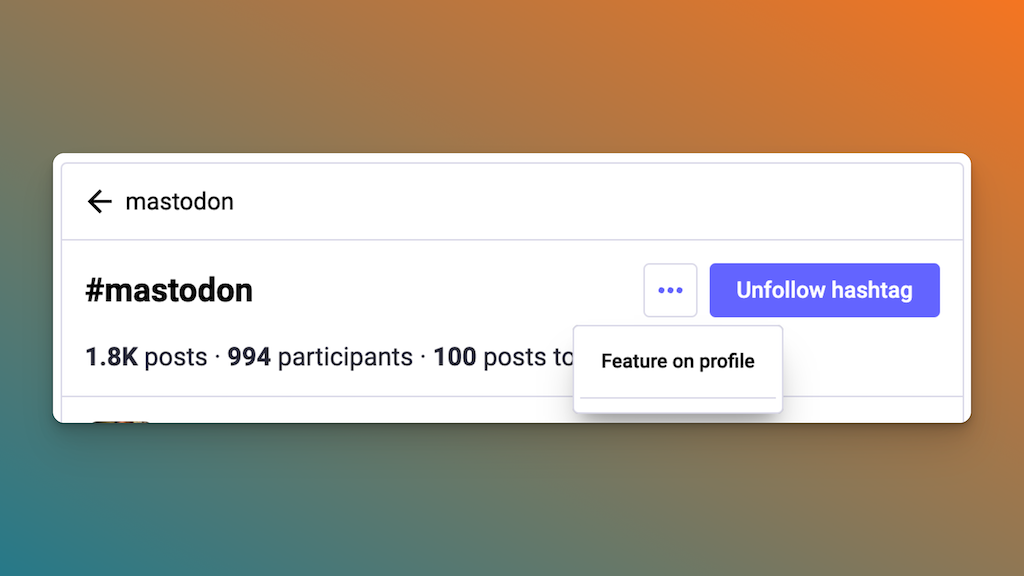
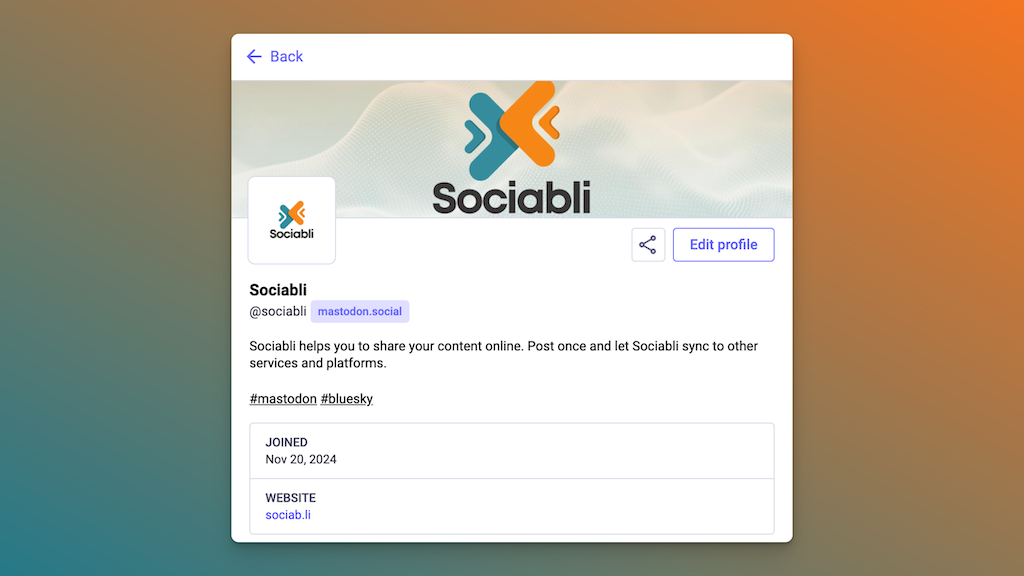
Those will appear in your profile so visitors can quickly see what topics you are into:
And by the way! Did you know that Sociabli transfers the hashtags you use on Mastodon and cross posts them to Bluesky? This way your posts will be listed everywhere using the same hashtags. Neat, isn't it?